


Guide
Everything you need to know about MemDeck and its features.
Getting Started
MemDeck is a training tool for magicians and memory enthusiasts who want to master a memorized deck. It helps you drill card positions through flashcard exercises and utilities so you can recall any card at any position — instantly.
To get started, select a stack using the dropdown at the bottom of the sidebar. MemDeck supports eight memorized deck systems:
- Tamariz (Mnemonica) — Juan TamarizSelected
- Aronson — Simon Aronson
- Memorandum — Woody Aragón
- Redford Stack — Patrick Redford
- Particle System — Joshua Jay
- Elephant — Pierre Boc & Yves Meret
- Infinity — Tim Conover
- Intuitiva Santi — Magic Santi
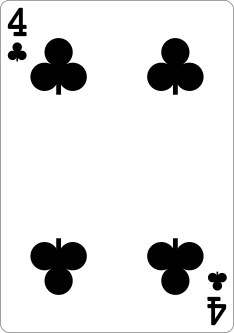

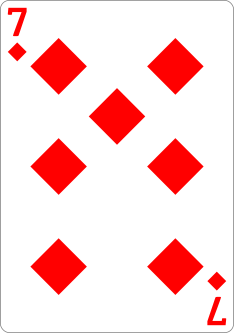
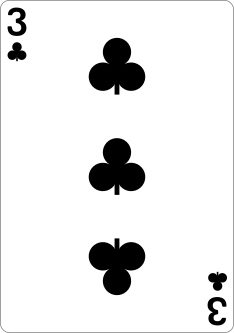

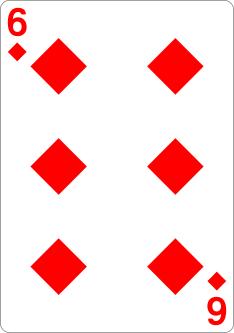


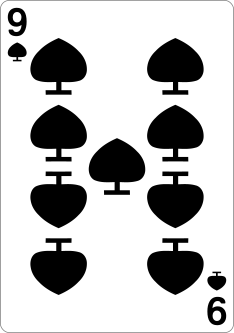
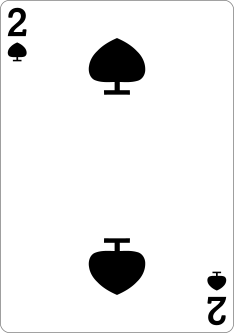
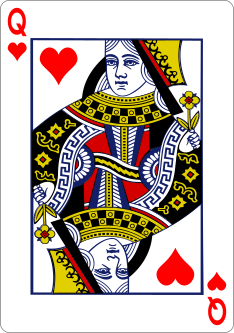
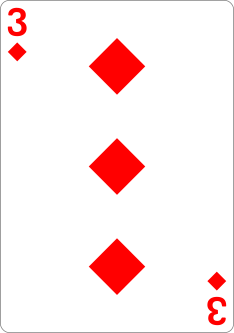
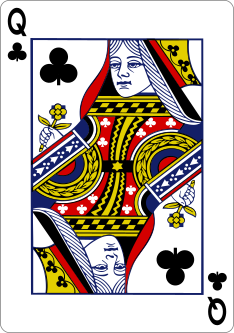

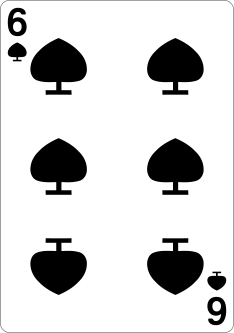
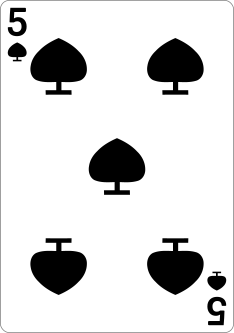
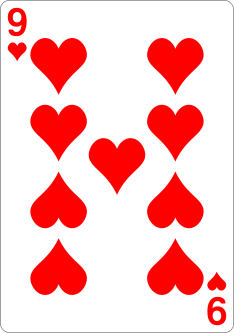

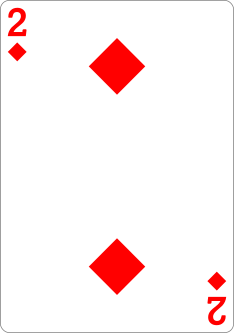
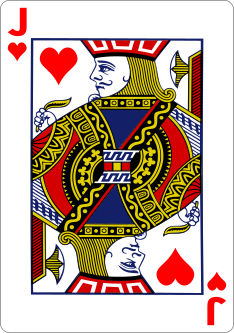
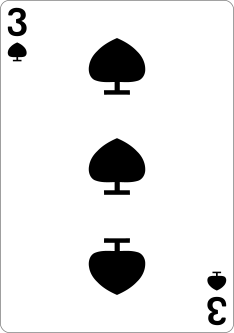
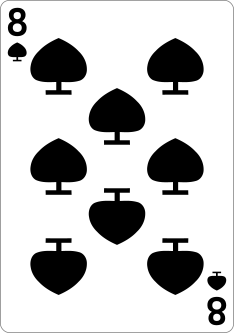
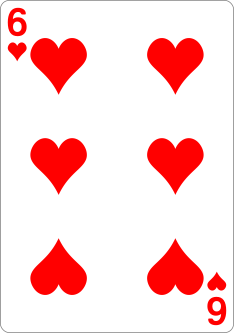
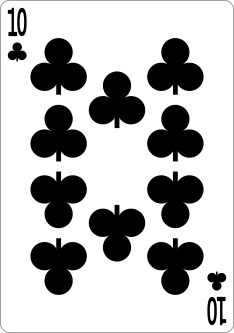
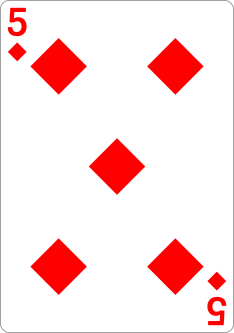
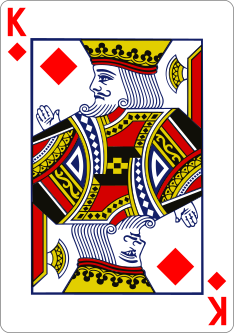
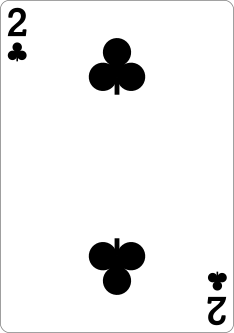

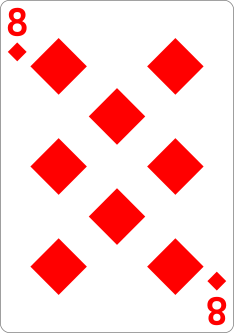
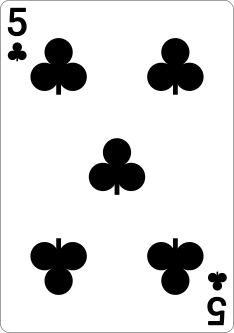
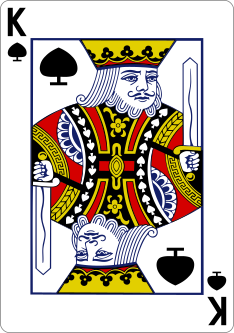
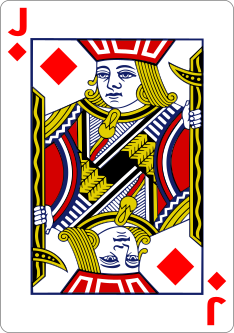
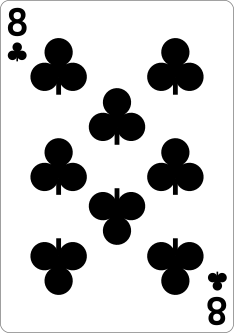
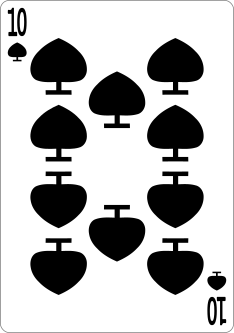
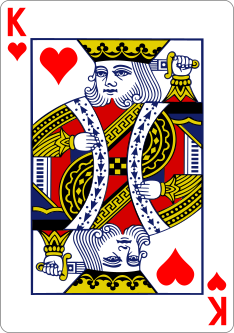
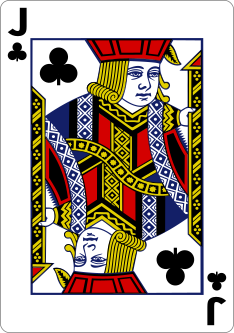
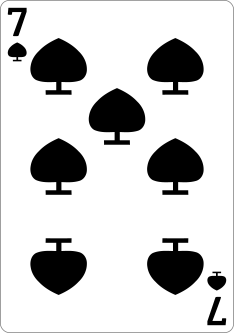

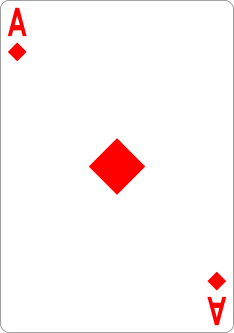
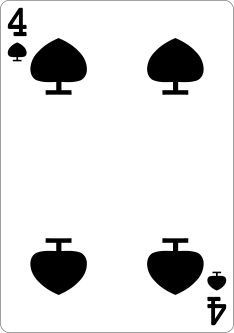

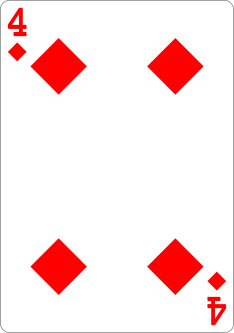
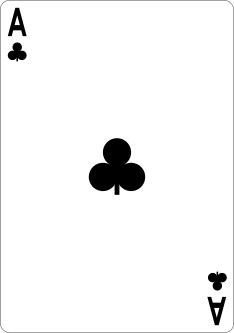
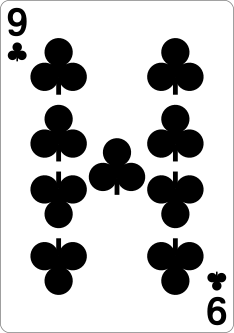
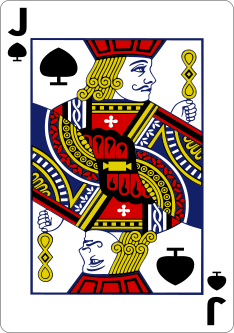
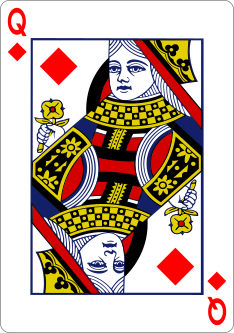
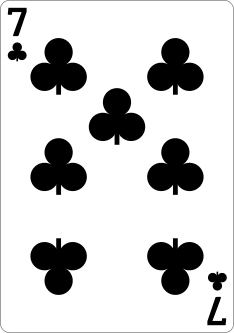
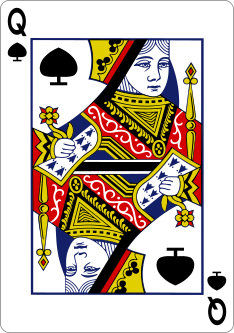
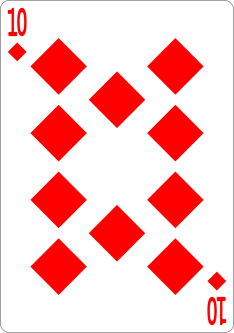
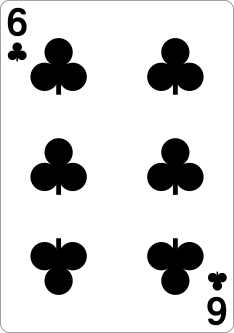

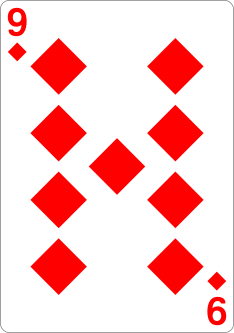
Flashcard Training
The main training mode. You're shown a prompt and must recall the matching card or position in your selected stack. Four modes are available:
- Card Only — shown a card, recall its position number
- Number Only — shown a position number, recall the card
- Both — randomly alternates between the two
- Neighbor — shown a card with a direction arrow, pick the adjacent card in the stack
Tap the gear icon to switch between Position and Neighbor modes and adjust timer settings. Use the target icon to start a structured session with 10, 20, 30, or 52-card presets, or practice free-form without a session.
Go to Flashcard TrainingSpot Check Training
Train your ability to quickly detect anomalies in your memorized deck spread. Three modes are available:
- Missing Card — one card is removed; identify which one is absent
- Swapped Cards — two cards swap positions; tap either misplaced card
- Moved Card — one card moves to a wrong spot; find the moved card
Use the gear icon to switch between modes and adjust timer settings. Start a structured session with the target icon.
Go to Spot Check TrainingACAAN Training
ACAAN stands for "Any Card At Any Number" — a classic effect where a spectator names any card and any number, and the card is found at that exact position in the deck.
In this mode, you're shown a card and a target position. Your job is to calculate the cut depth needed to move the card to that position. Enter a value from 0 to 51. Timer and session options work the same as Flashcard mode.
Go to ACAAN TrainingDistance Number Training
Train the offset arithmetic that powers Pit Hartling's Quartets and similar on-the-fly productions. "Distance numbers" — coined by Pit Hartling and Denis Behr in "In Order to Amaze" — are the offsets between specific cards in your stack.
- Compute — see two cards, pick the distance between them
- Apply — see a card and an offset, pick the resulting card
- Both — random mix of compute and apply rounds
Pick between cyclic (forward only, 1 to N-1) and signed (shortest signed offset) convention in settings.
Tap the gear icon to switch modes, change conventions, and adjust timer settings. Use the target icon to start a structured session.
Go to Distance TrainingStats
Track your progress over time. The Stats page includes overview cards, an accuracy trend chart (filterable by mode and sub-mode), a per-stack breakdown table, and paginated session history. All data is stored locally in your browser.
Go to StatsResources
A curated collection of books and PDFs on memorized deck theory, routines, and practice techniques from leading authors in the field.
Browse ResourcesToolbox
A collection of memorized deck utilities for stack analysis and performance work. The toolbox includes:
- Stack Lookup — search your stack by card name or position number
- Faro Shuffle — see the effect of perfect faro shuffles on your stack order
- Card Spelling — explore how many letters each card's name has and where spelling lands in your stack
- Stay Stack Sequences — view the cyclical sequences formed by dealing every Nth card
Tips
- All your data stays in your browser — nothing is sent to a server.
- Toggle between dark and light mode using the icon in the header.
- In training modes, tap the gear icon to adjust mode and timer settings, or the target icon to start a session.
- Switching stacks doesn't lose your data — progress is tracked per stack.
- After a few sessions, the homepage shows a "New challenge" card — a mode, variant, or timed challenge you haven't tried yet, drawn from your own training history.
- Install MemDeck as an app on your device for offline access.
- Change the display language using the language selector in the navigation menu.
- Use the share button in the navigation menu to spread the word about MemDeck with fellow magicians.
- Use the stack range next to the stack picker in the menu to train on a subset of positions. Start small and expand as you memorize more cards.
- Use the reset button in the menu to clear your data. You can reset settings only (keeping training history) or reset everything.
Why a dedicated tool?
AI chatbots can hallucinate card positions — and training with wrong answers is worse than not training at all. MemDeck uses hardcoded, verified stack data so every drill is accurate.
- Instant, tap-based drills — no prompts or waiting.
- Works offline — train backstage, on the subway, or on a plane.
- Card faces engage visual memory differently than reading text.
- Accuracy charts, session history, and streaks — AI chats have no memory.
- Free forever — no subscription required.